
Introduction
You step into a busy office. People wander the halls, peeking into rooms, guessing which space is actually free. A digital name plate hangs by the door, but it glares in sunlight and drains power all day. Now consider this: small screens in offices can draw 10–30 watts, and energy costs keep rising—quietly. How many times have you seen a booked room sit empty because the display didn’t sync, or a paper sign was out of date (again)? Are we fixing the waste, or shifting it?
Here’s the blunt data: high-brightness LCD door tablets often overwork batteries and power converters, and they push IT to replace parts faster than planned. That means more e-waste and more maintenance miles on facilities teams. It also means more confusion at the door. If we care about carbon and clarity, we need a calmer system that stays readable, sips energy, and tells the truth—every time. So, what actually works in the hallway and not just on paper? Let’s compare what really matters next.
Under the Surface: Where Room Displays Go Wrong
Why do legacy door tablets keep failing?
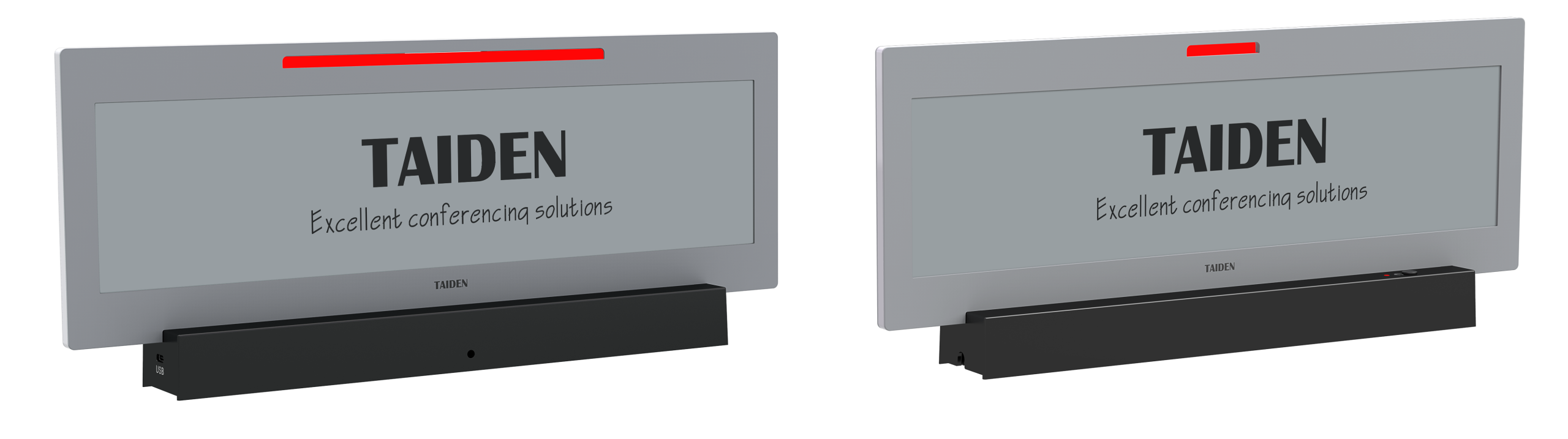
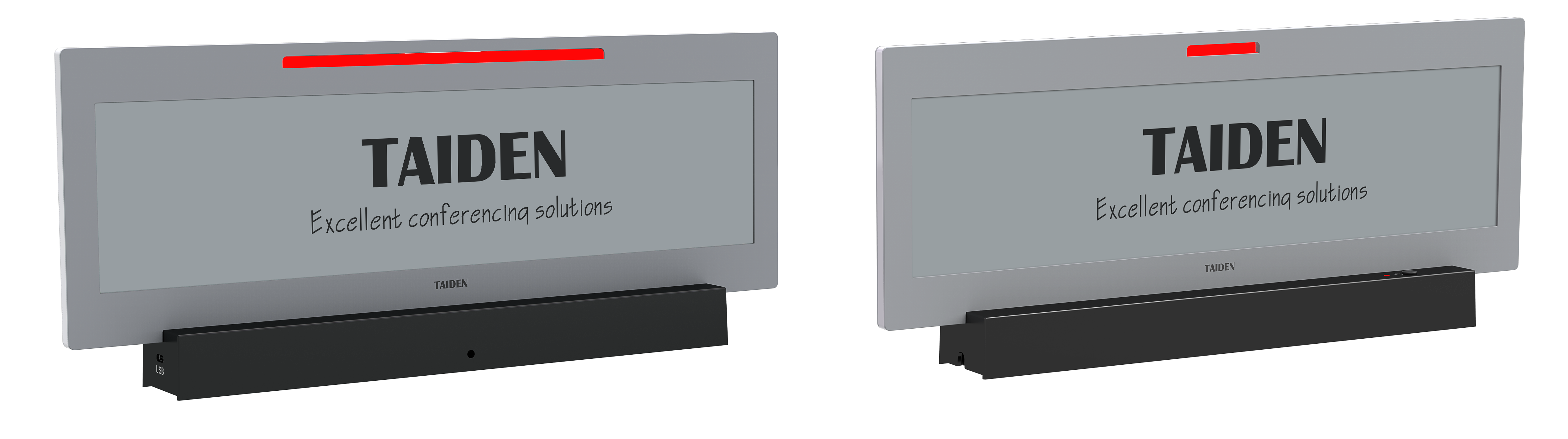
Let’s get technical for a minute. A modern e ink meeting room display is a bistable screen. It holds an image without constant power draw. That single principle changes the game. Many legacy door tablets use backlit LCDs that require steady energy and frequent charging. They also need stronger power converters to keep them stable, especially on PoE runs. Over time, charging cycles stack up. Heat builds. Batteries swell. Edge computing nodes at the door end up doing too much, just to keep a calendar in sync and a glow on the glass. The result? Downtime and drift. Look, it’s simpler than you think: the more a display must “stay on,” the more it will cost to keep it alive—funny how that works, right?
Hidden pain points live in the last 10 meters of infrastructure: cabling, mounting, and light. Sunlit corridors can wash out glossy panels. Wi‑Fi dead spots cause stale bookings. Staff tap the screen, but the UI lags. Facilities teams juggle battery swap cycles that don’t line up with cleaning routes. And if an app crashes, users still trust the door sign, causing ghost meetings. A low-power MCU with scheduled refresh windows can ease that load. Pair it with NFC or RFID check-ins, and you cut fake occupancy. Add PoE for steady trickle power, and the panel can refresh on the minute, not the hour. Most of all, e-paper stays readable without a glow, so clarity doesn’t depend on a backlight. Fewer moving parts means fewer surprises—and fewer hallway debates.
Comparative Tech Principles and What’s Next
What’s Next
Moving forward, the strongest approach blends low-power design with precise updates. Bistable displays refresh only when needed. Partial refresh trims even more energy. A soft front light helps in low-lit corridors without flooding the panel. By contrast, a standard tablet must sustain brightness and backlight even when the schedule barely changes. That is the core difference. When you add small edge computing nodes nearby—handling Bluetooth beacons or occupancy pings—the display can stay quiet until the room state flips. Less chatter on the network. Less power draw at the door. And if your space needs branding or zoning cues, a color e ink display can add status bands, wayfinding arrows, or accessibility icons without turning into a power hog.
Let’s be practical and semi-formal here. We’ve seen that sunlight readability, syncing reliability, and maintenance cycles matter. The forward-looking path leans on energy budgets measured in mWh per update, not watts per hour. It favors PoE for stable power and uses efficient regulators to keep thermal load down. Firmware should queue updates, throttle retries, and fail safe. And it should integrate occupancy checks in simple ways—badge taps, QR codes, or sensor triggers—so the door sign mirrors reality. That’s how you avoid ghost bookings and late starts. In short, fewer refreshes, smarter timing, and right-sized compute win the day—even under bright skylights.

How to Choose: Three Metrics That Keep You Honest
Advisory close, short and clear. First, measure energy per update. Ask for figures in mWh per full and partial refresh, plus a weekly refresh budget. If a device can show stable content for hours without power, it saves money and heat. Second, test daylight readability. Compare contrast ratio and legibility in lux levels you actually have in your corridors; a screen that is crisp at noon will cut errors and walk-backs. Third, verify maintenance pacing. Look for stated battery replacement intervals or PoE load, plus MTBF on components. Align those intervals with cleaning routes and service windows—it’s the only way to stay sane. Keep an eye on secure provisioning too (TLS, device enrollment), but start with those three. When these numbers line up, your hallway gets calmer, your energy line drops, and your schedule stops lying. That’s the real upgrade, not a shiny bezel. For a grounded view of meeting displays and related solutions, see TAIDEN.