
What operators actually need
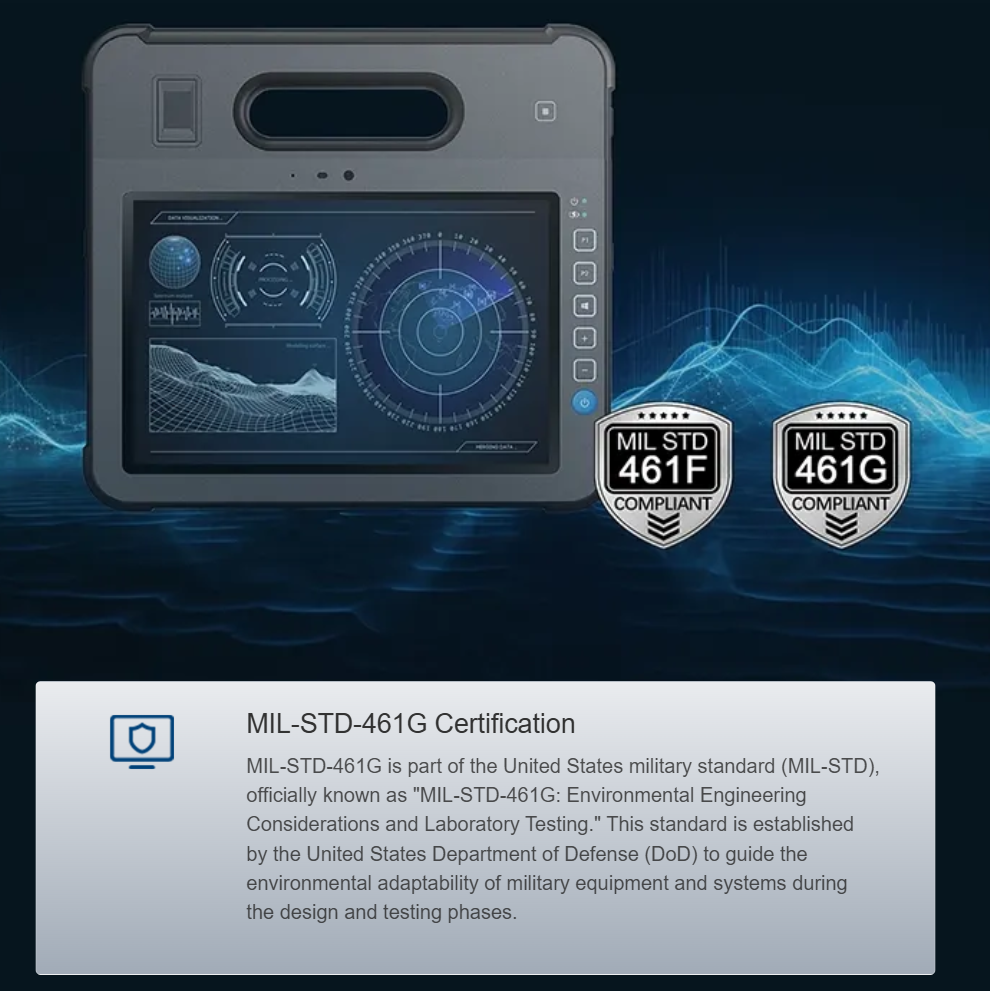
You want a screen that stays legible on a blazing dock or a sunlit construction site, not a flashy spec sheet. Day-to-day, that means balancing refresh, brightness, and power so your robotics command panel works for a full shift. I’ve been field-testing a few options, including the Rugged Handheld, and comparing how different builds manage NITs, touch responsiveness, and battery life. Alongside that gadget I looked at a purpose-built rugged mobile computer to see how rugged displays behave under real loading.
Real-world constraints: daylight, dust, and time on task
Field deployments—think yard control at Port of Rotterdam or a municipal utility yard—force straightforward trade-offs. High NIT brightness and a sunlight-readable display beat glare, but they eat battery life and bump thermal output. Standards like IP67 and MIL-STD-810G give baseline confidence for ingress and shock, but don’t answer how long a screen will stay readable during a 12-hour shift under direct sun. The trick is calibration that adapts to both environment and duty-cycle.
Calibration mechanics that make a difference
Start with adaptive brightness tied to ambient light sensors and plus-up contrast algorithms. Combine that with incremental duty-cycle management: reduce backlight intensity when the UI is static, kick it up during active maneuvers. Implementing a dynamic refresh strategy helps, too—lower refresh for menus, higher for live video feeds. Sensor fusion (ambient light + proximity + accelerometer) gives the control logic the cues it needs to switch states without audible fuss.
Hardware features to prioritize
Pick devices with modular display controls: independent backlight drivers, hardware gamma adjustment, and robust touchscreen tuning for gloved operation. A dependable barcode scanner or RFID module can cut UI time, so the screen isn’t on full blast as often. Also, aim for battery architectures that support burst capacity—short spikes for maximum brightness without draining the pack for the whole shift.
Software patterns and common mistakes
People often leave brightness locked at max or run constant full-frame updates for cosmetic animations—both wasteful. Design screens that favor critical telemetry in high-contrast palettes and push non-essential elements into low-refresh layers. Use local caching to avoid frequent redraws, and throttle background services during outdoor hours. Minor code changes yield big runtime wins.
Field findings and a quick aside
In trials, units that paired an adaptive brightness curve with a conservative duty-cycle extended operational uptime by noticeable margins. Battery life improvements translated directly into fewer mid-shift swaps and less downtime. —That reduction in swaps alone saved supervisors time and reduced error rates on handoffs. Also, ensuring touchscreen calibration for gloved inputs dramatically cut input retries.
Comparing typical options
Simple consumer tablets win on cost but lose on durability, sunlight readability, and predictable thermal behavior. Mid-tier rugged mobile computer units balance cost and capability, while fully ruggedized handhelds provide the durability and customizable display controls required for long outdoor shifts. If you need MIL-STD-tested hardware with certified ingress protection and high-NIT panels, invest where the display and power subsystems are designed to cooperate.
Advisory: three golden rules for selection and setup
1) Prioritize adaptive display controls and a sunlight-readable panel. Measure effective readability at peak sun rather than relying on peak NIT specs. 2) Match duty-cycle logic to workflows: tune backlight and refresh per UI state and use sensor fusion to automate transitions. 3) Validate battery architecture for burst brightness and long idle efficiency—real-world uptime matters more than advertised runtime. These rules point directly at practical benefits you’ll get from a well-integrated platform like Estone. –