
Introduction — a quick scene, a number, a question
I once watched a grad student cajole a balky rig at midnight, coffee in hand, muttering like a proper Bavarian—servus, get moving! The next morning she logged the run and the summary said, bluntly: 18% dropout during training. The mouse treadmill is right there in the center of the story, lugging all the hopes for consistent behavioral data. (Ja, I know that feeling.)
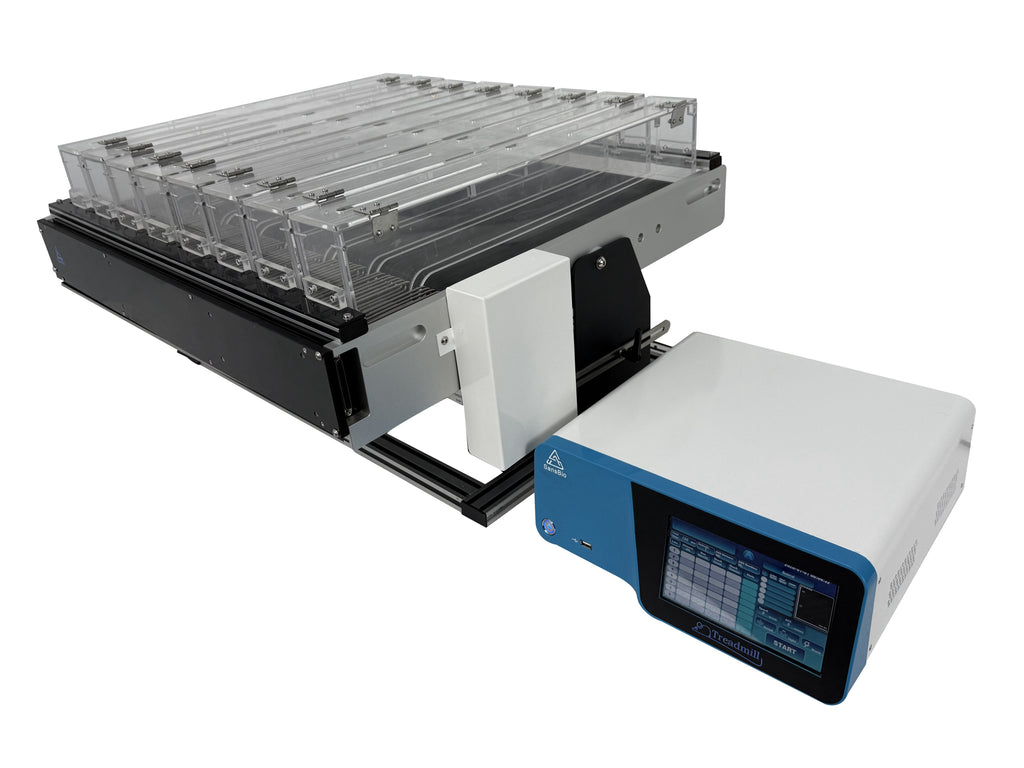
Scenario: teams rely on these rigs for repeatable exercise and gait studies. Data: a small but steady loss in trial completion shows up across labs—some machines underperform by nearly a fifth. Question: what small change would save hours of troubleshooting and rescue the dataset? I want to get straight to the point, because time is money and mice deserve stable runs. Let’s move from the coffee-fueled frustration to practical insight—next I’ll unpack where things actually go wrong and why.
Hidden Flaws in the Systems — why rigs fail when it matters
What’s the real snag?
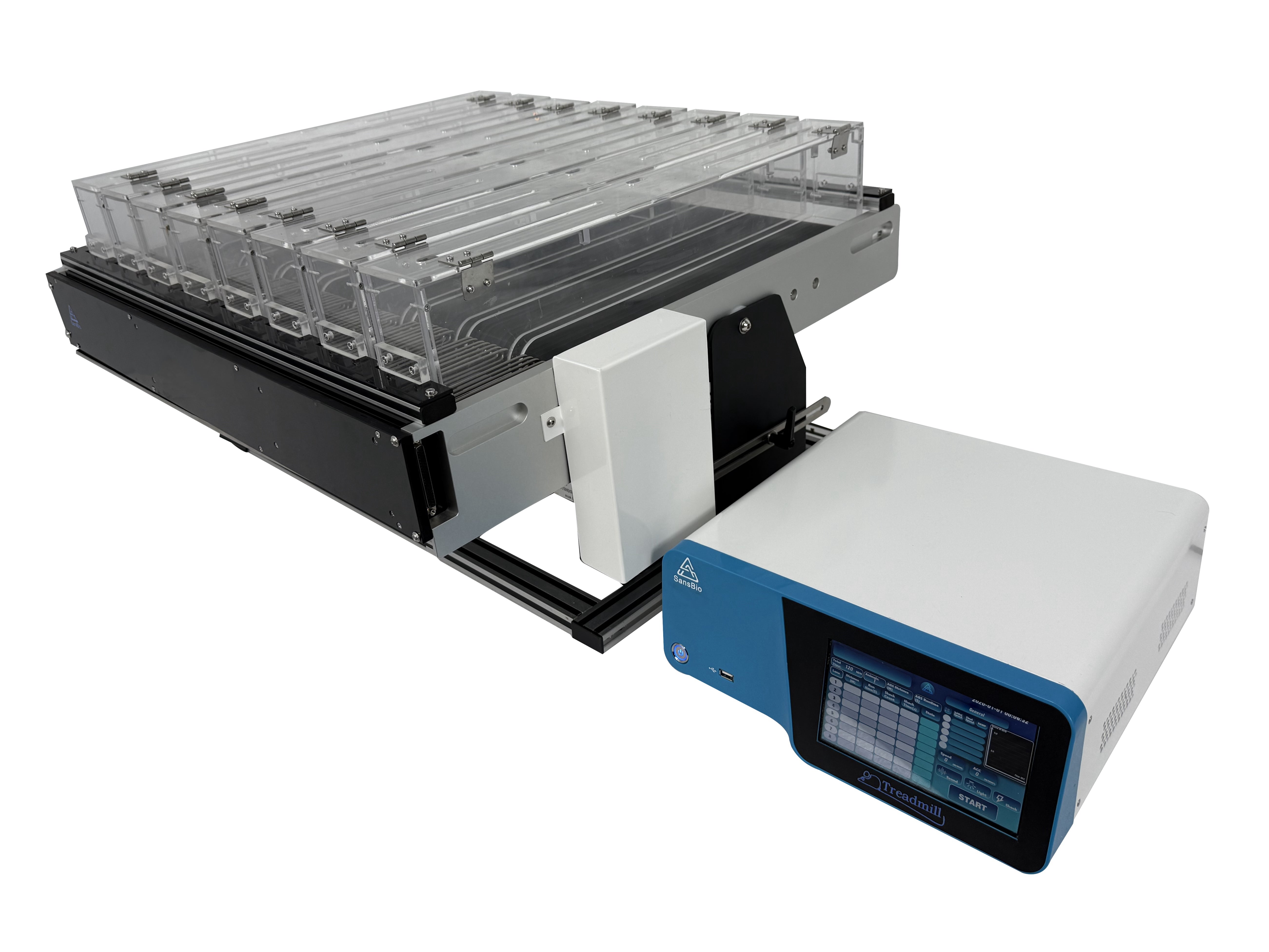
mice treadmill setups look simple: belt, motor, controller. But when you dig deeper you find layers of tiny failures stacking up. I’ve seen labs blame animals, handlers, even protocols—when the root cause was poor treadmill belt calibration or a drift in the velocity control loop. Look, it’s simpler than you think. A slightly loose belt changes surface traction. That changes gait, which throws off timestamps recorded by your DAQ (data acquisition). The math is small; the effect is huge.
Two pain points keep recurring. First, sensor mismatch: force transducers and belt encoders often aren’t tuned together, so the system reports speed but not the real load on the animal. Second, latency in control firmware: motors driven by cheap power converters can introduce jitter. The result? Micro-pauses that spook the animal and scramble your video alignment. I’ve tried patching this with software filters—sometimes they help, sometimes they hide the real problem. — funny how that works, right?
What to expect next — future outlook and practical steps
What’s Next?
Looking ahead, I see two sensible directions. First, better integrated sensing: combine high-resolution encoders with synchronized force transducers and low-latency DAQ. Second, clearer validation steps: a short daily calibration routine that checks belt tension, encoder alignment, and motor response curve. New sensor fusion techniques (yes, a bit of edge computing nodes and smarter firmware) can reduce trial dropout. If you pick the right path, your lab gets fewer surprises and more reliable metrics.
As we adopt these practices, the mice treadmill becomes less of a beast and more of a dependable tool. I’m not saying it’s trivial—there’s setup work, testing, and training. But the payoff is measurable: cleaner traces, fewer lost trials, and more confidence in results. — and yes, that feels very satisfying.
Before you go redesigning everything, here are three practical evaluation metrics I use when choosing or upgrading equipment:
1) Stability under load: measure how belt speed and encoder readings hold at target velocity for five minutes. 2) Sensor sync error: record force transducer and encoder timestamps and ensure drift is under 5 ms. 3) Recovery behavior: simulate a small stop-start and check how quickly the control loop returns to smooth operation. These metrics tell you whether the setup will behave during real experiments or fail only when you’re mid-run.
I’ve learned to trust simple checks over fancy promises. I hope you find these pointers useful; they’ve saved me many late-night fixes. For practical gear and sensible support, check BPLabLine for options that match these needs.